Favourites and destinations
Save a beach or destination so you can come back to it later, and explore beaches grouped by the destination they belong to.
-
Tap the heart icon in the header of any beach page or destination page. A short confirmation message tells you the item was added to (or removed from) your favourites list.
-
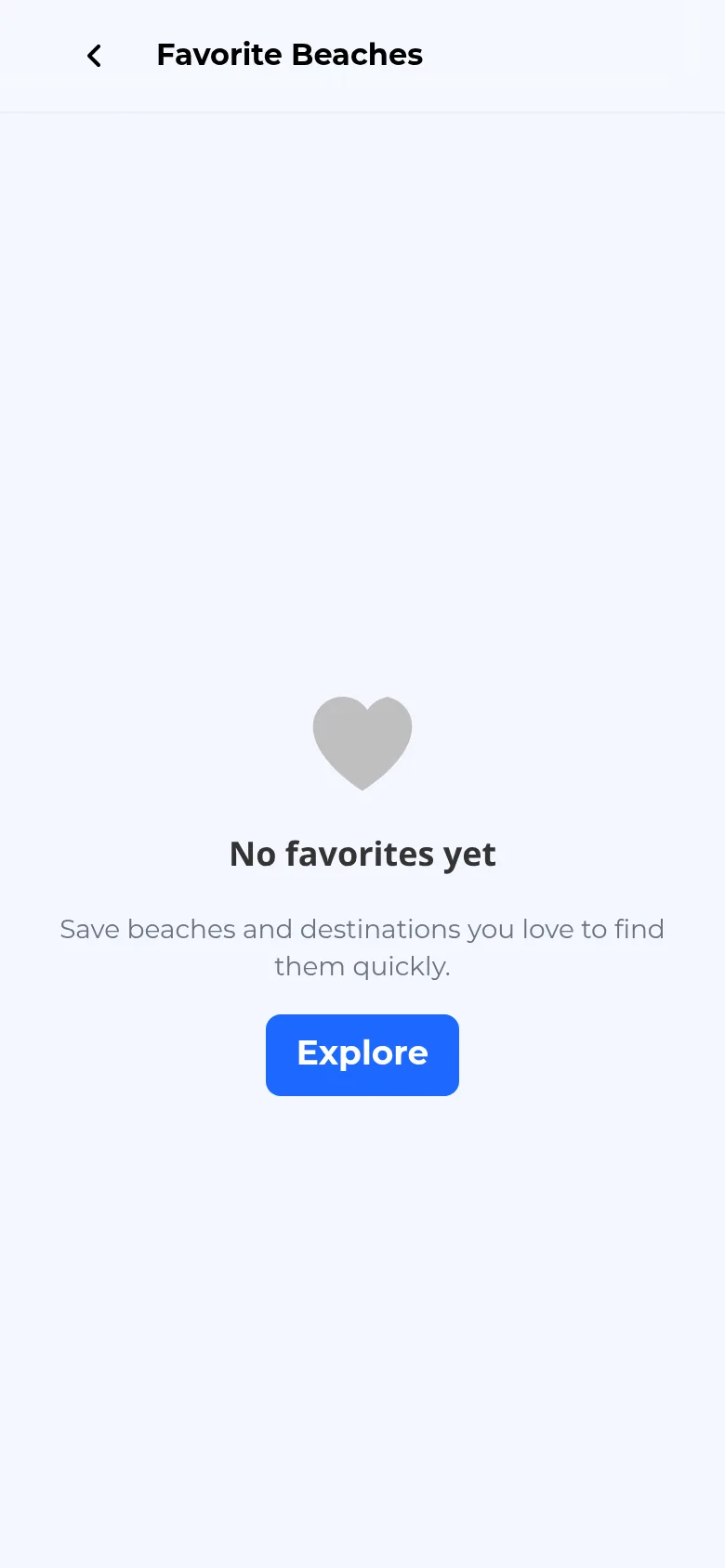
Open your saved list from the Profile tab by tapping Favorite Beaches. Saved beaches and saved destinations are listed together. If you have not saved anything yet, an empty state invites you to explore, with an Explore button that takes you back to the Search tab.
-
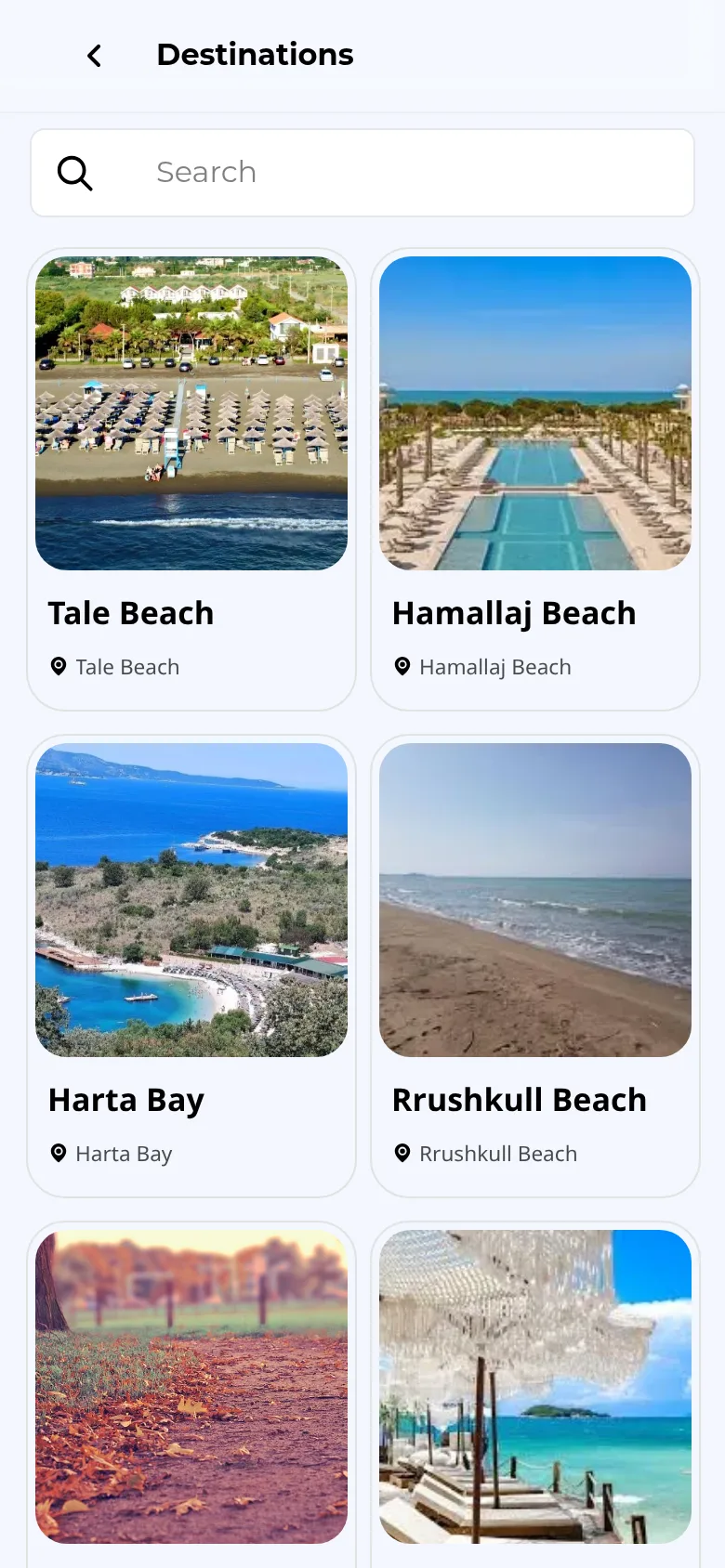
Browse all destinations from the Home tab: in the "Discover stunning destinations" section, tap Show more to open a searchable grid of destination cards.
-
Open a destination by tapping its card. The destination page shows its own photos and description, plus the beaches located there — each one a normal beach card you can tap to open and book.